

 Built for Designers & Frontend Teams


Across Real Production Websites (Beta)
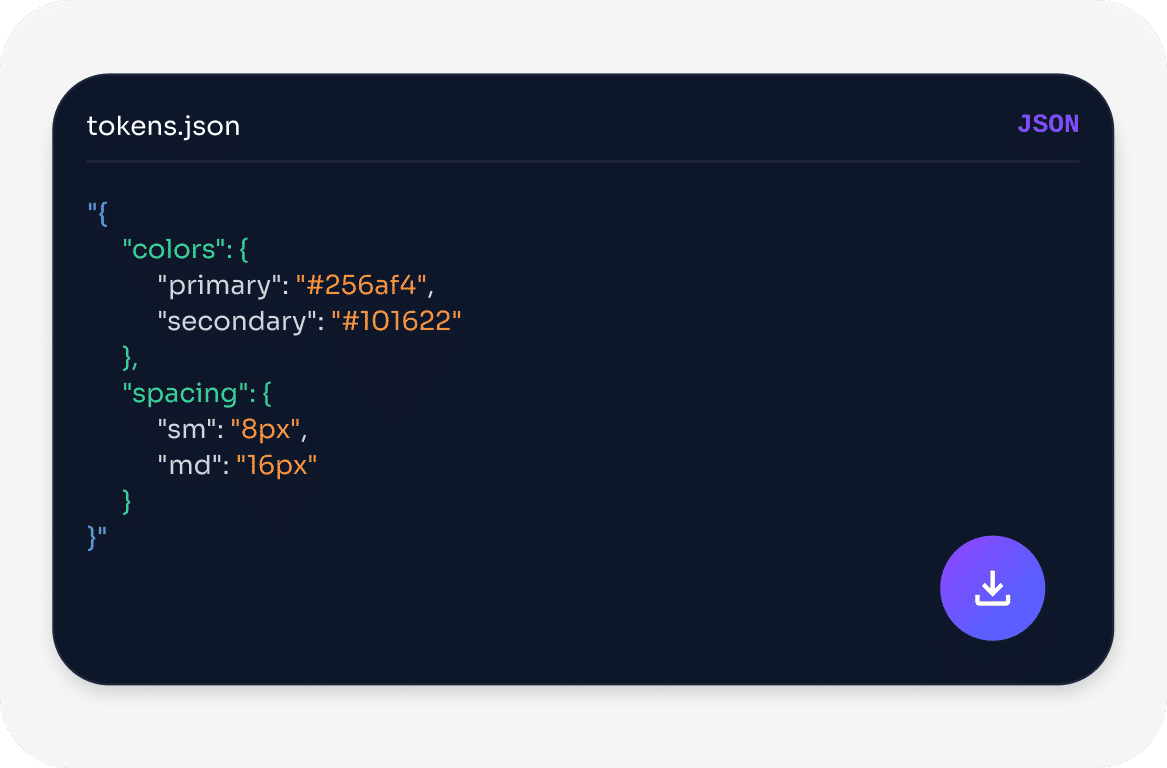
 Structured UI Tokens
 Local-First Processing
 Localhost Support
 Production Site Scanning
 Design System Analysis
 Contrast Checks
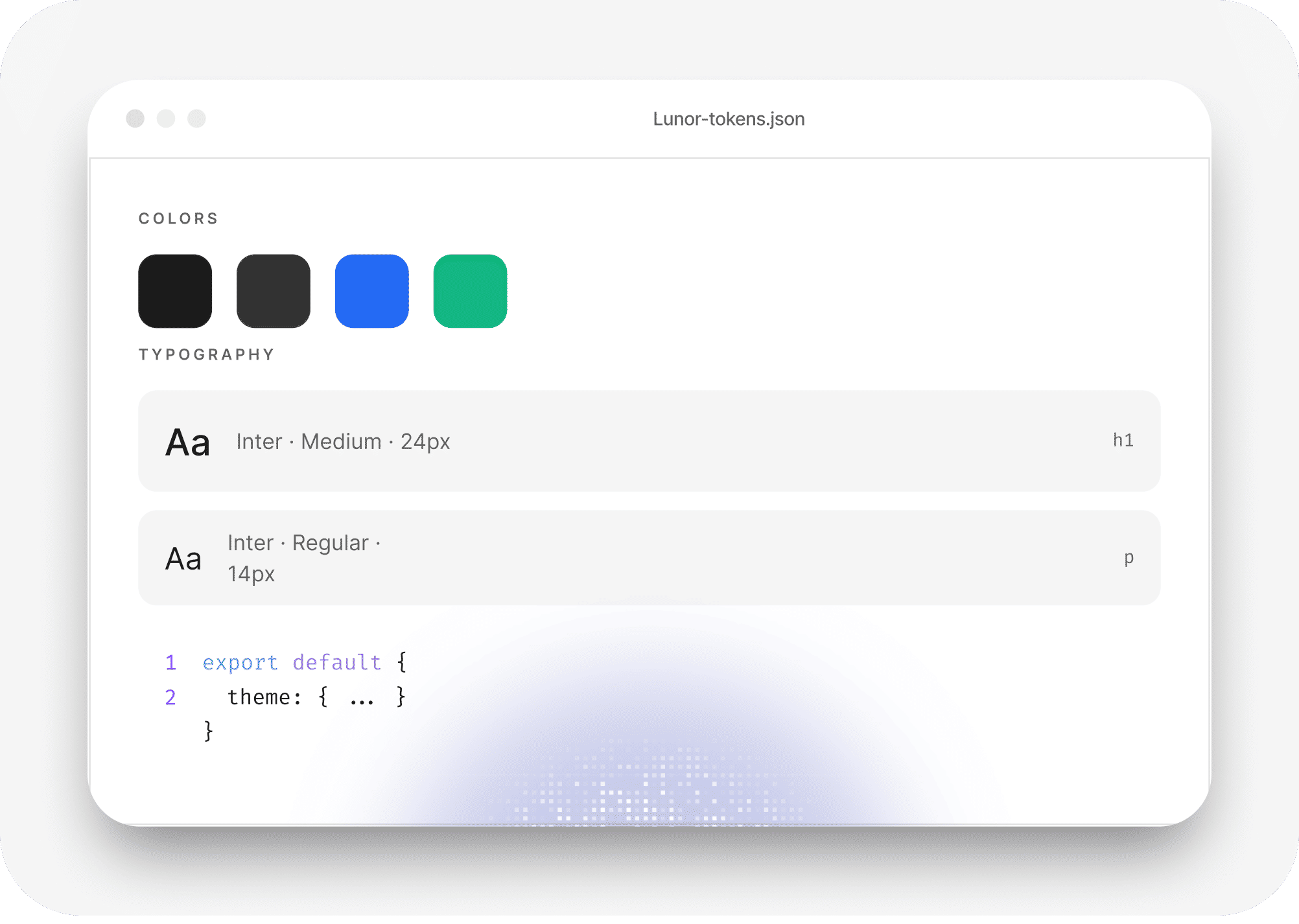
 Typography Tokens
 Full Page Capture
 SVG & Media Extraction
 Spacing Scales
 Font Inconsistencies
 Color Usage Ranking Structured UI TokensLocal-First Processing Localhost SupportProduction Site ScanningDesign System AnalysisContrast ChecksTypography TokensFull Page CaptureSVG & Media ExtractionSpacing ScalesFont InconsistenciesColor Usage Ranking
 Features
Structured Design
Systems









Scalable Foundations
 Testimonials
Are Saying
Lunor instantly showed me the spacing and typography system of a site I was analyzing. What would normally take 30 minutes in DevTools took seconds.
The design insights feature is surprisingly powerful. It helped me understand the spacing scale and font hierarchy of a complex SaaS UI in minutes.
Exporting Tailwind tokens directly from a live website is incredibly useful when prototyping or rebuilding layouts.
The inspect mode feels like DevTools but smarter. Instead of digging through styles, Lunor actually shows the design system patterns.
Bulk downloading SVG icons from a page saved me a lot of time when building a component library.
I use Lunor when auditing competitor websites. It quickly reveals typography, color systems, and layout patterns.
The palette bar alone is worth installing Lunor. Seeing every color used on a page ranked by frequency is super helpful.
Instead of manually inspecting elements one by one, Lunor groups typography styles automatically. That's a huge productivity boost.
The full page capture feature is perfect for documenting UI changes and sharing them with the team.
Lunor helped me understand how a complex landing page was structured in just a few clicks.
The media extraction feature is incredibly convenient when collecting assets from design inspiration websites.
It's like having a design system analyzer built directly into the browser.
I installed Lunor expecting a simple inspector, but the design insights and token exports make it much more powerful.
The tool is lightweight, fast, and actually useful. I find myself using it almost every day when working on UI.
If you ever reverse-engineer UI or analyze design systems, Lunor becomes an essential tool.
Lunor instantly showed me the spacing and typography system of a site I was analyzing. What would normally take 30 minutes in DevTools took seconds.
The design insights feature is surprisingly powerful. It helped me understand the spacing scale and font hierarchy of a complex SaaS UI in minutes.
Exporting Tailwind tokens directly from a live website is incredibly useful when prototyping or rebuilding layouts.
The inspect mode feels like DevTools but smarter. Instead of digging through styles, Lunor actually shows the design system patterns.
Bulk downloading SVG icons from a page saved me a lot of time when building a component library.
I use Lunor when auditing competitor websites. It quickly reveals typography, color systems, and layout patterns.
The palette bar alone is worth installing Lunor. Seeing every color used on a page ranked by frequency is super helpful.
Instead of manually inspecting elements one by one, Lunor groups typography styles automatically. That's a huge productivity boost.
The full page capture feature is perfect for documenting UI changes and sharing them with the team.
Lunor helped me understand how a complex landing page was structured in just a few clicks.
The media extraction feature is incredibly convenient when collecting assets from design inspiration websites.
It's like having a design system analyzer built directly into the browser.
I installed Lunor expecting a simple inspector, but the design insights and token exports make it much more powerful.
The tool is lightweight, fast, and actually useful. I find myself using it almost every day when working on UI.
If you ever reverse-engineer UI or analyze design systems, Lunor becomes an essential tool.
 FAQ
FAQ
Design Systems